How to add a new provider to your group NPI, step by step
You hired a new provider. Congratulations. Now comes the part nobody warns you about: until that provider is credentialed and enrolled under your group, every visit they see is revenue you cannot bill for. Here is exactly what has to happen, in order, and where groups most often lose weeks.
First, understand what "adding to the group" actually means
Your group NPI (a Type 2 NPI) belongs to the business. Your new provider has, or needs, their own individual NPI (Type 1). "Adding them to the group" means telling every payer you work with that this individual now renders services under your organization, so claims billed under your group NPI with their name on them get paid. There is no single form that does this everywhere. Every payer has its own application, and every one of them has to be done.
Step 1: Gather the provider's own information
Before any application can move, you need the provider's individual NPI, their state license (active, with expiration date), DEA certificate if they prescribe, malpractice coverage with your group listed appropriately, board certification if applicable, and a current CV with no unexplained gaps. Their Social Security number and date of birth will be required for primary source verification.
Step 2: Get their CAQH profile current and attested
Most commercial payers pull from CAQH. If your new provider has a profile from a previous job, it must be updated with your practice location, your group's information, and a fresh attestation. If they have never had one, it needs to be created. An outdated CAQH profile is the single most common reason group applications stall. CAQH setup and maintenance is part of our credentialing service for exactly this reason.
Step 3: Submit a linkage application to every payer
Medicare uses PECOS, and the provider is added to your group enrollment there. Medicaid depends on your state. Every commercial payer (BCBS, Aetna, United, Cigna, and the rest of your panel) has its own group linkage or roster process. Each application must match your group's records exactly: legal business name, tax ID, group NPI, and service addresses. A single mismatch, like an old suite number, can bounce an application back weeks later.
Step 4: Follow up until every effective date is in writing
Submitted is not enrolled. Payers lose applications, sit on them, and quietly request additional information without telling anyone who is not watching. Someone has to check status on every application until the payer confirms an effective date in writing. That effective date, not the hire date, is when the provider's claims start getting paid. Our free Credentialing Starter Kit includes the document checklist and payer timeline comparison for this whole process.
Where groups lose the most time
In our experience, the delays are rarely the payers themselves. They are the weeks spent chasing the new provider for documents, re-typing the group's information into application after application, and discovering too late that a CAQH attestation lapsed or a license expiration passed during the process. The credentialing work is repetitive. The coordination is what breaks.
How we handle this for group practices
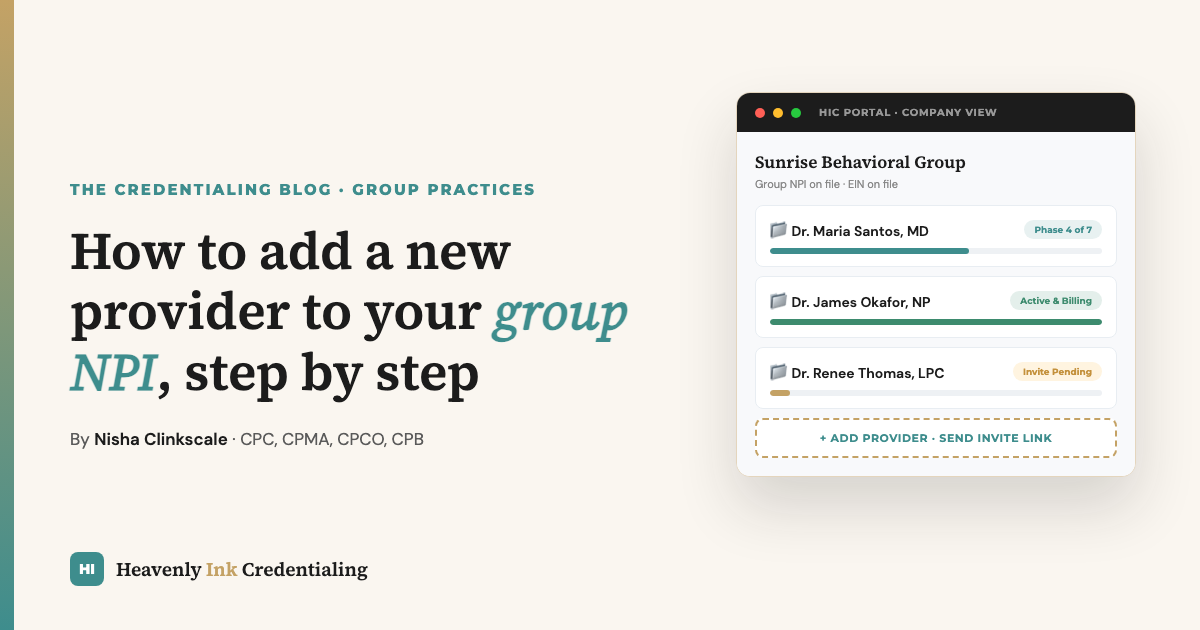
Our clients get a company account where the group's NPI, EIN, and business details live once. When you hire, you add the provider's name and email in the portal, and they get a secure invite link. They enter their own information and upload their own documents. Nobody re-types the group's details, and our team runs the CAQH work, the payer applications, and the follow-up while you watch every phase live. If that sounds like the version of this process you would rather have, see how the group portal works or book a call.